ParamaCraftWeb app
Start from a kit.
Choose a ready-made kit and drag the sliders. The shape updates as you go.
- Runs in your browser, nothing to install
- Ready-made kits with live parameters
Get startedFree to start
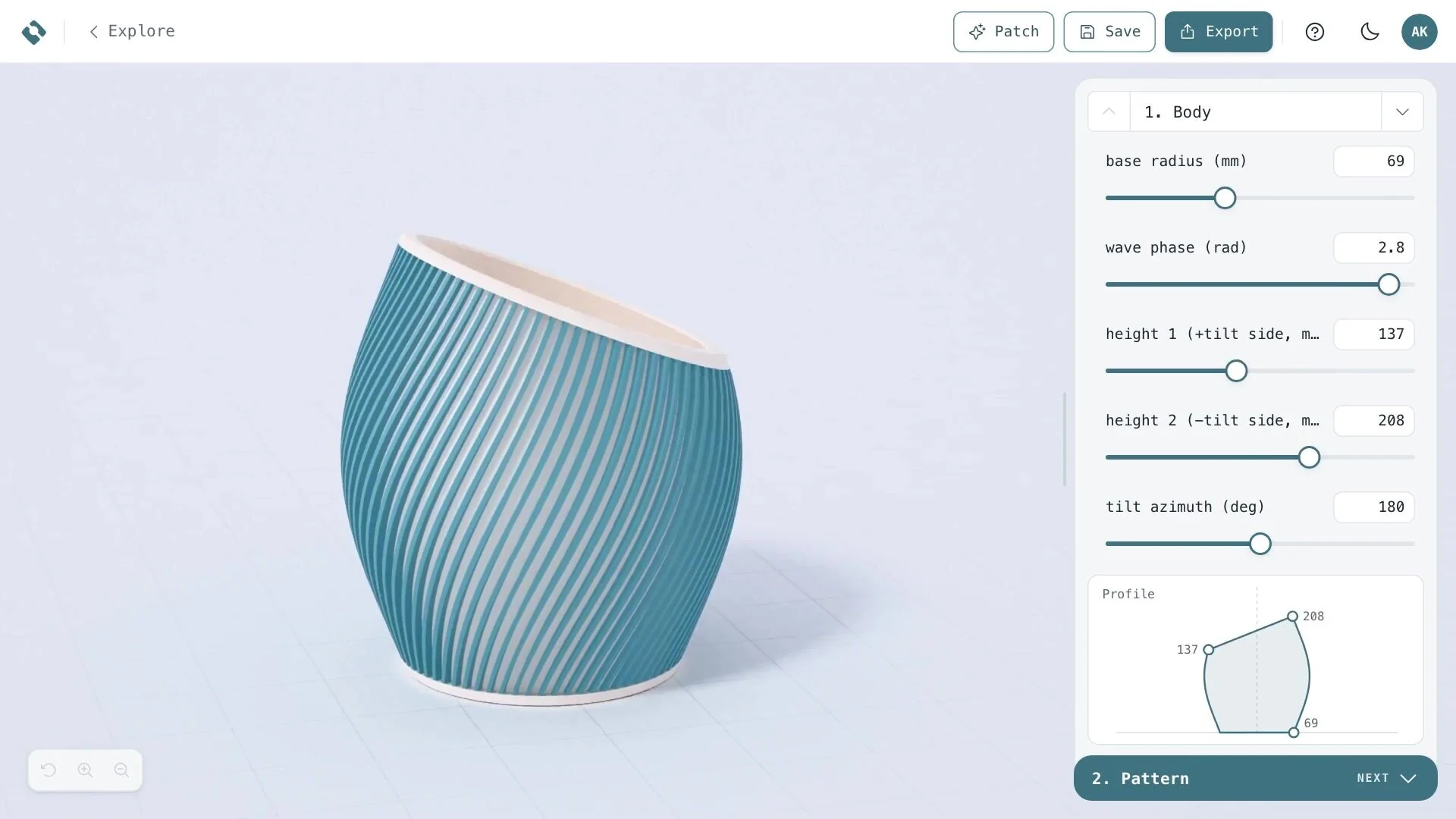
Pick a kit, tune the parameters and export a print-ready model, right in your browser. Or design your own parts with an AI agent in ParamaCraft Studio.
Two tools
ParamaCraft is a web app and a desktop app. Use either one, or both.
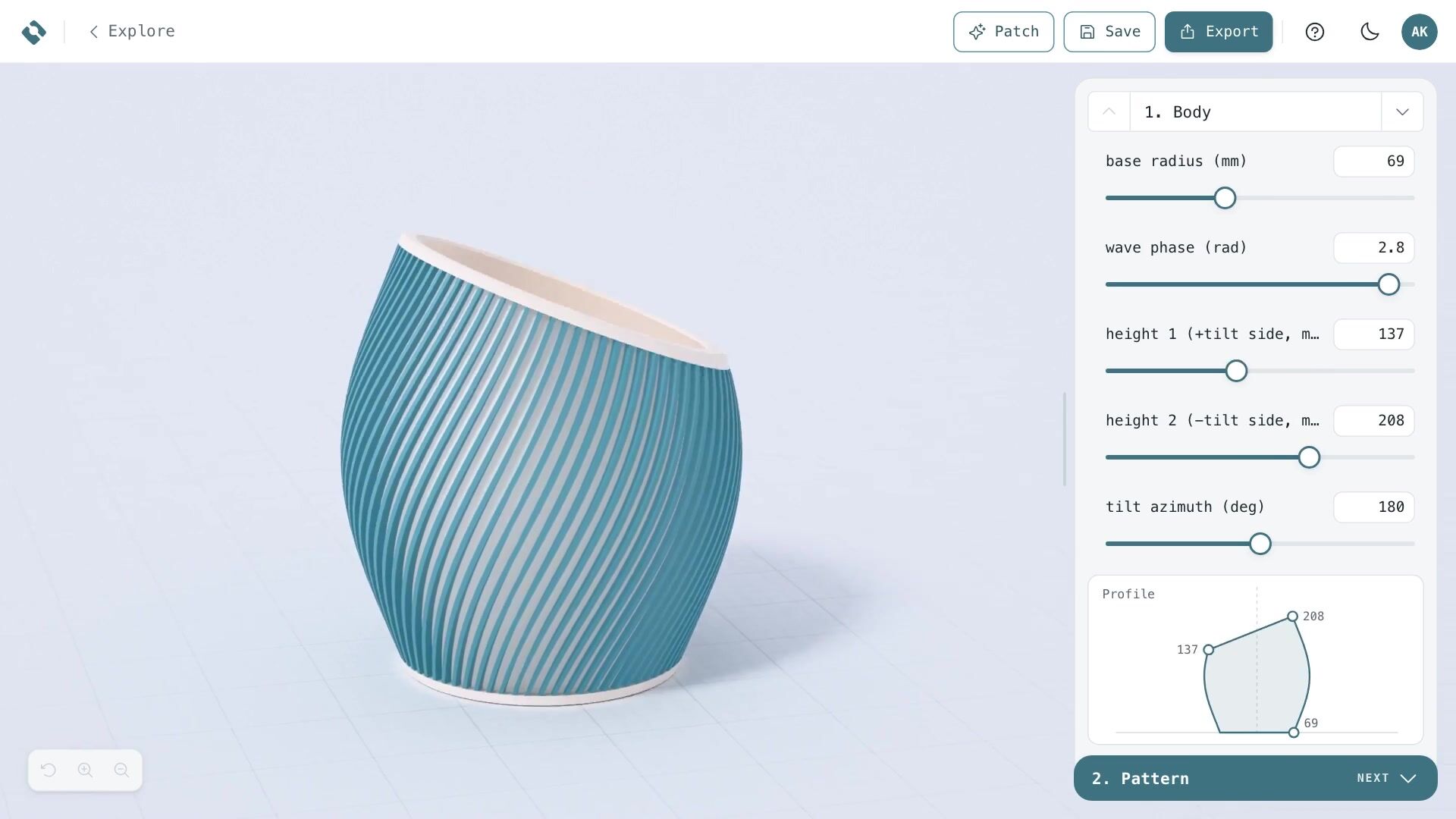
Choose a ready-made kit and drag the sliders. The shape updates as you go.
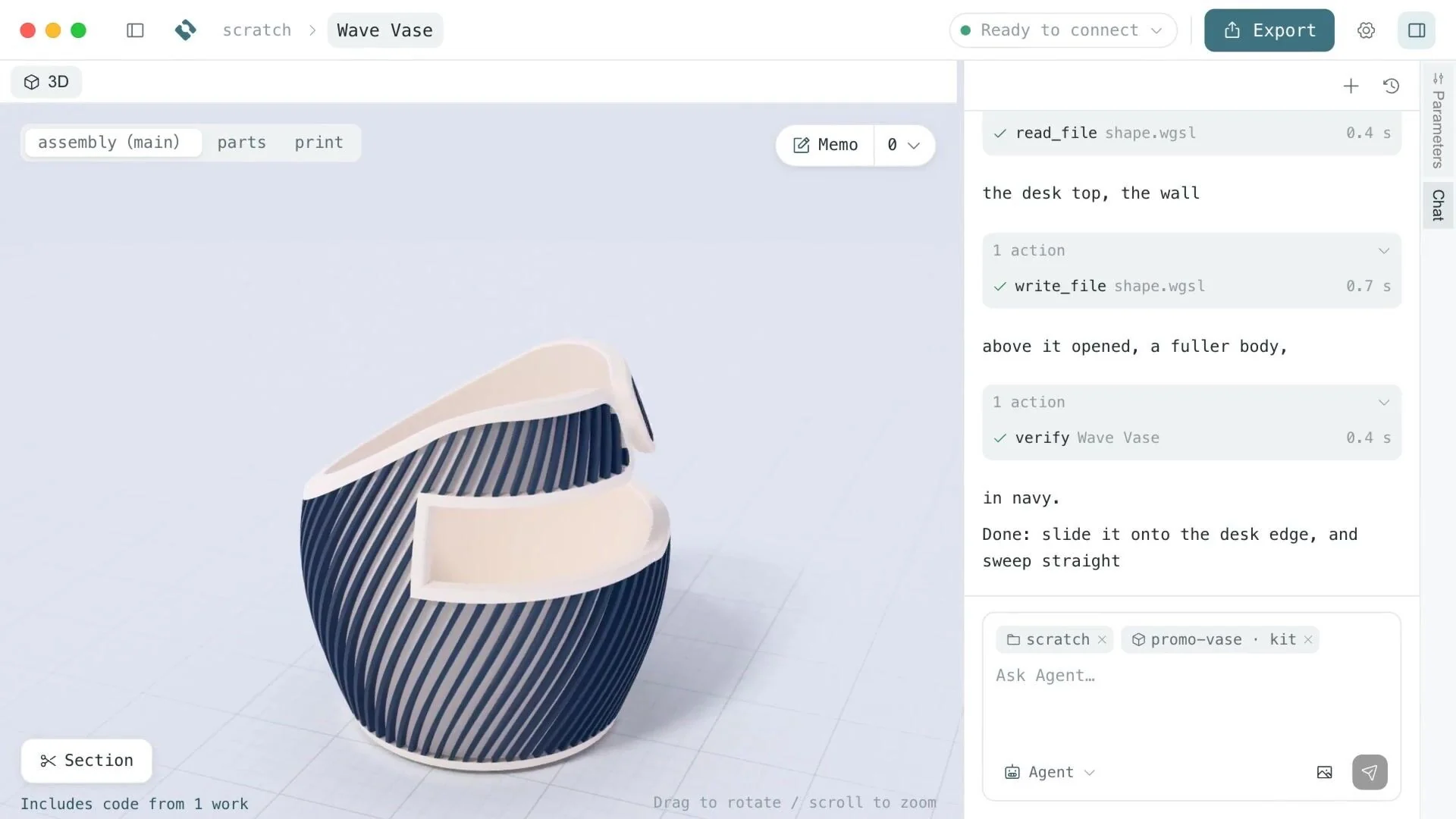
Describe the part you need. An AI agent builds the model and checks it.
Kits
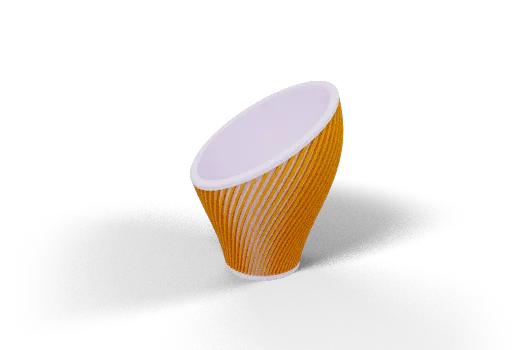
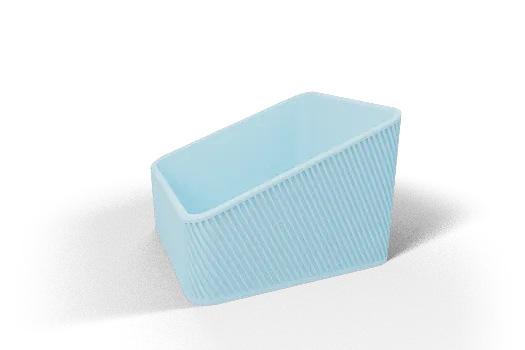
Vases, hooks, cases, gears. Each kit is a parametric model you resize and restyle to fit.
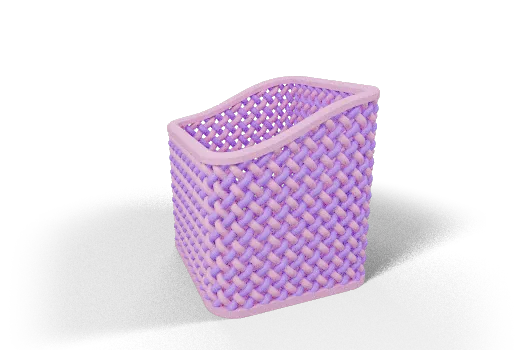
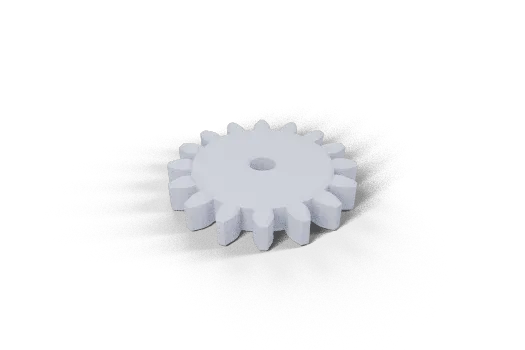
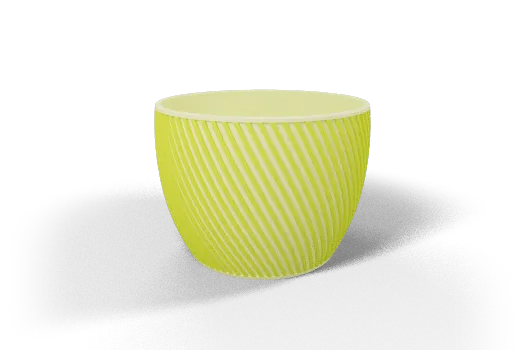
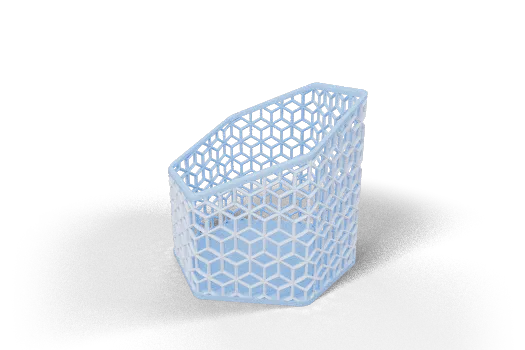
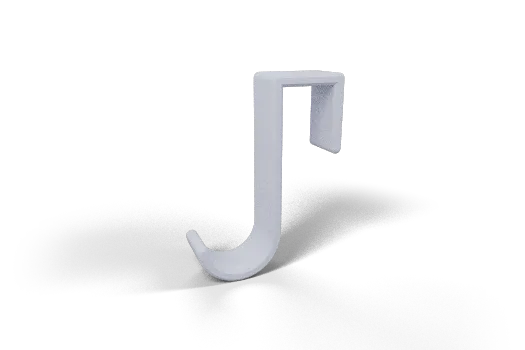
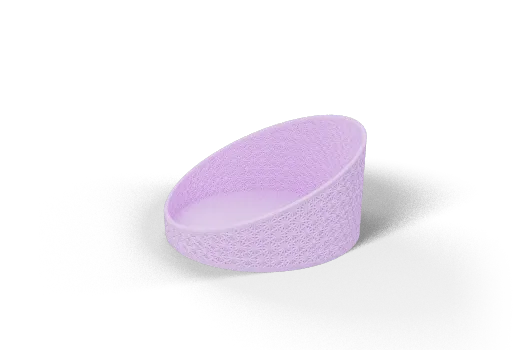
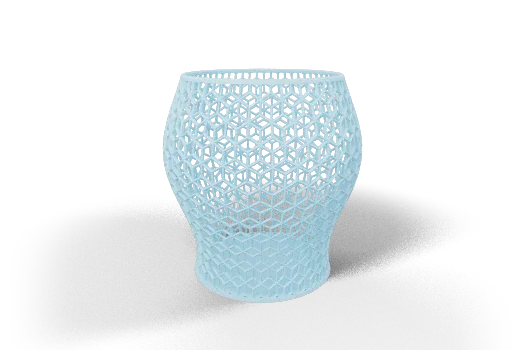
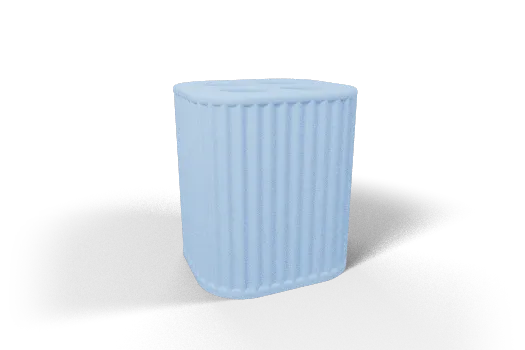
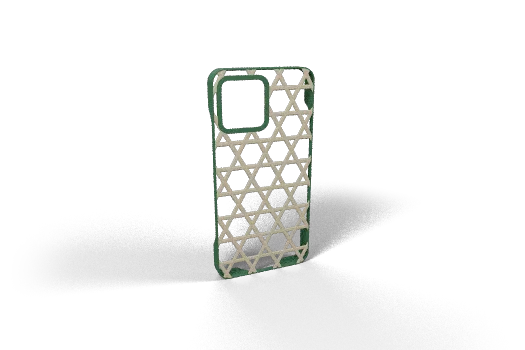
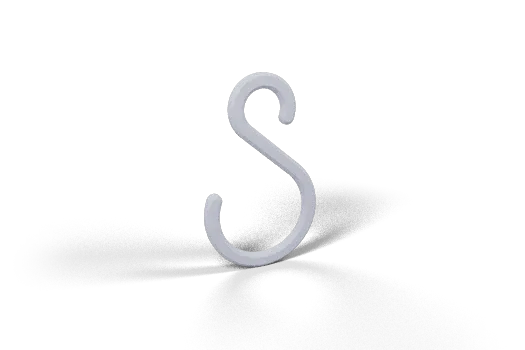
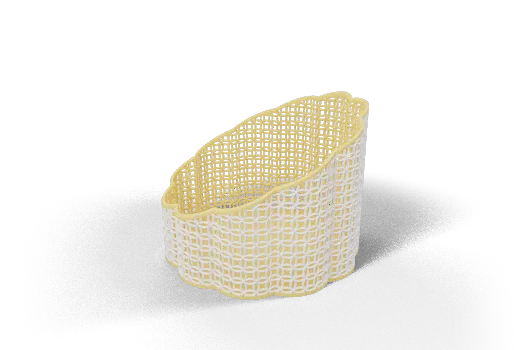
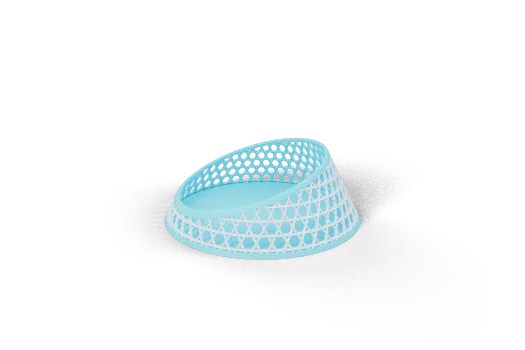
In the browser
Built around two things: a model that is truly yours, and one that is ready to print.
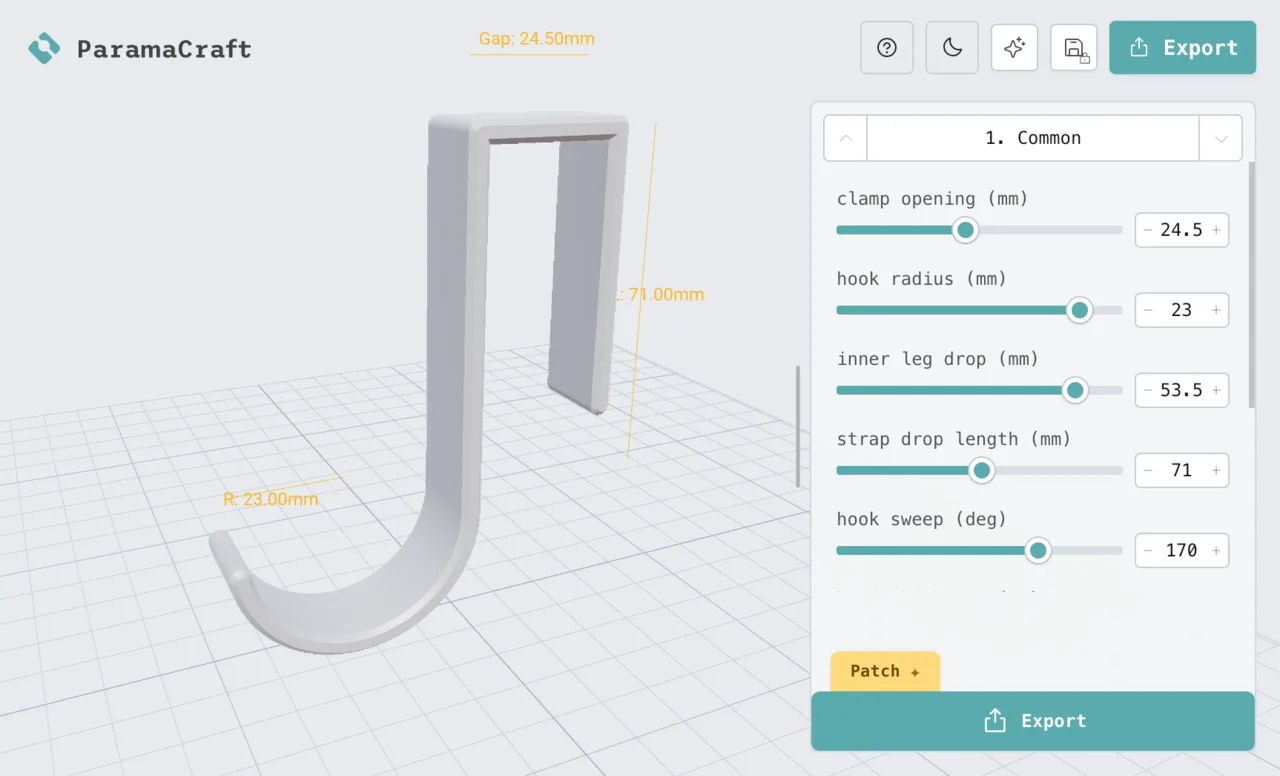
Combine shapes, patterns and decorations, then drag a slider and watch the model change instantly. No 3D-modeling skills required.
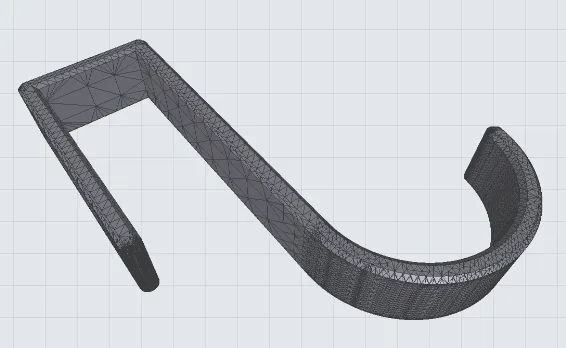
Every kit stays inside a print-safe design space, so the STL you export is ready for your printer.
Kits are maintained and refined over time for cleaner, more reliable prints.
ParamaCraft Studio
A desktop app for macOS and Windows. Describe the part, let the agent build it, then fine-tune and print.
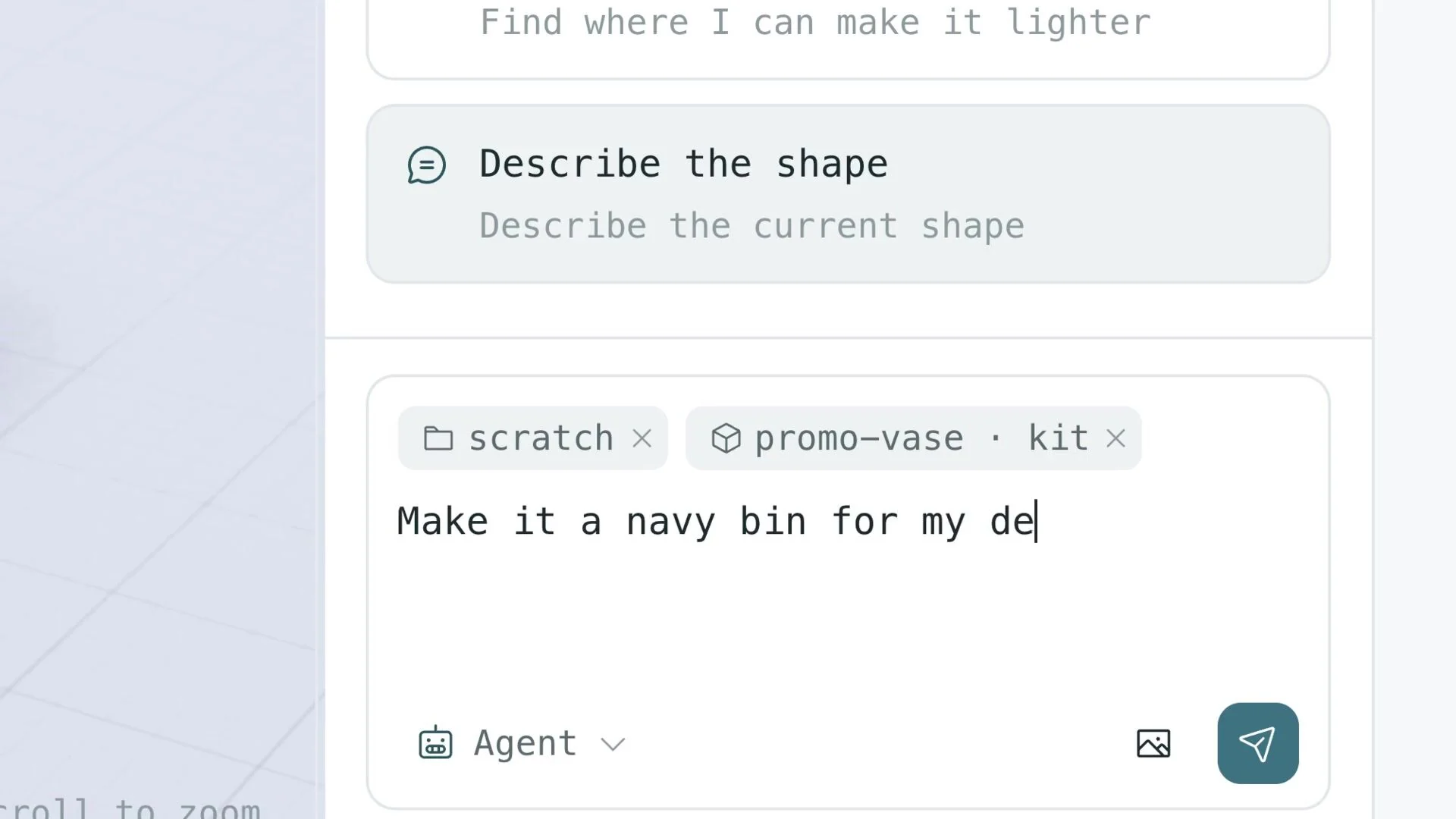
Tell Claude or Codex what you need. The agent builds the part and checks it for problems.
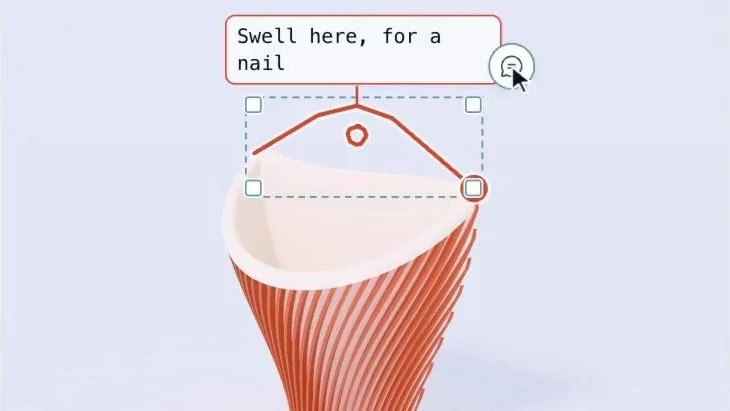
Fine-tune sizes with parameters. Draw on a snapshot of the 3D view to show the agent what to change.

Export STL, 3MF or OBJ and open it in your slicer.
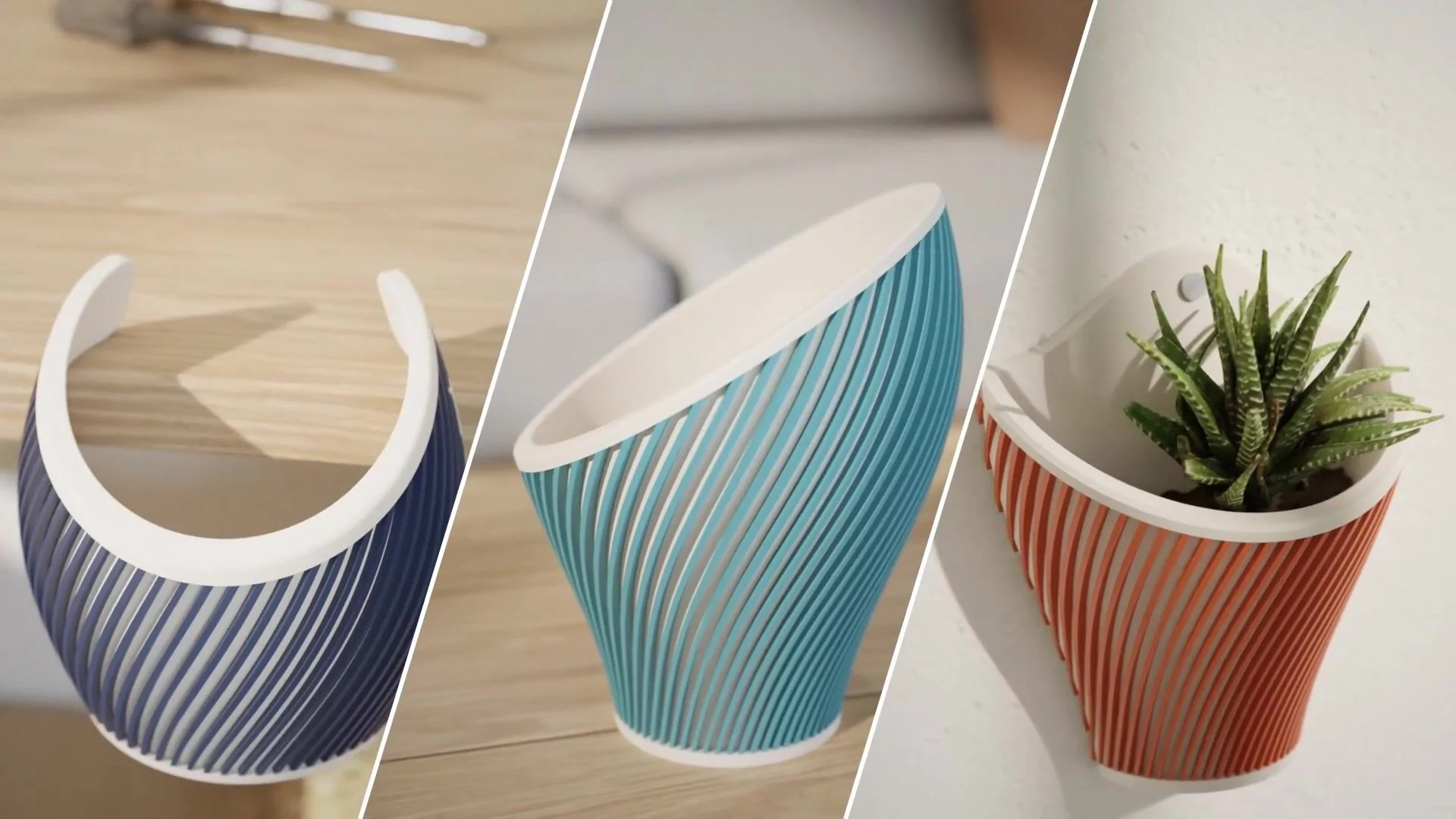
One kit, three parts
A vase becomes a desk bin, then a wall planter. Each one is a request to the agent, not a new model from scratch.
Learn more about StudioPricing
$0/mo
For trying kits and printing for yourself.
Get started$6/mo
For makers who want more kits and Studio.
Choose Standard$20/mo
For business use of prints and Studio.
Choose ProTailored parametric tools, kits, and integrations, built for your workflow.
All plans include the Standard License; a paid Pro plan adds the Commercial Printing License (Terms, Articles 6-2, 10 and 11). ParamaCraft Studio is included with Standard and Pro. Using Studio for business—including use by companies, schools and non-profits, and for your own business—requires a paid Pro plan (Studio Additional Terms, Article 3(2)). With the web app, printed outputs may be used in-house for business on any plan, as long as you are not paid for them (Terms, Article 8).
Open a kit in your browser, or download Studio and describe your first part.